HSV color space — computer vision in the browser
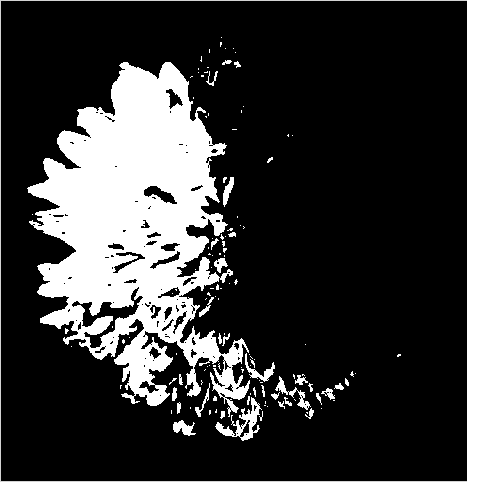
The HSV colour space (hue, saturation, value) separates colour from brightness, which makes colour-based selection far easier than RGB in computer vision. This fetches a real photo, splits its HSV channels, and isolates one hue range with cv2.inRange. Run it live and tweak the colour bounds.
Example code (Python / OpenCV)
"""
HSV color space

The HSV colour space (hue, saturation, value) separates colour from brightness, which makes colour-based selection far easier than RGB in computer vision. This fetches a real photo, splits its HSV channels, and isolates one hue range with cv2.inRange. Run it live and tweak the colour bounds.
"""

import cv2
import requests
import numpy as np

# A real photo, fetched live from the web — nothing is uploaded
url = "https://images.unsplash.com/photo-1464820453369-31d2c0b651af?w=480&q=70"
# no-cache: always fetch a fresh copy so a stale browser-cache entry can't break decoding
resp = requests.get(url, headers={"Cache-Control": "no-cache"})
img = cv2.imdecode(np.frombuffer(resp.content, np.uint8), cv2.IMREAD_COLOR)

hsv = cv2.cvtColor(img, cv2.COLOR_BGR2HSV)
h, s, v = cv2.split(hsv)
cv2.imshow("photo", img)
cv2.imshow("hue", h)
cv2.imshow("saturation", s)

# HSV makes colour selection easy — isolate one hue range (tweak the bounds)
mask = cv2.inRange(hsv, (130, 40, 40), (175, 255, 255))
cv2.imshow("colour mask", mask)