Live background subtraction — computer vision in the browser
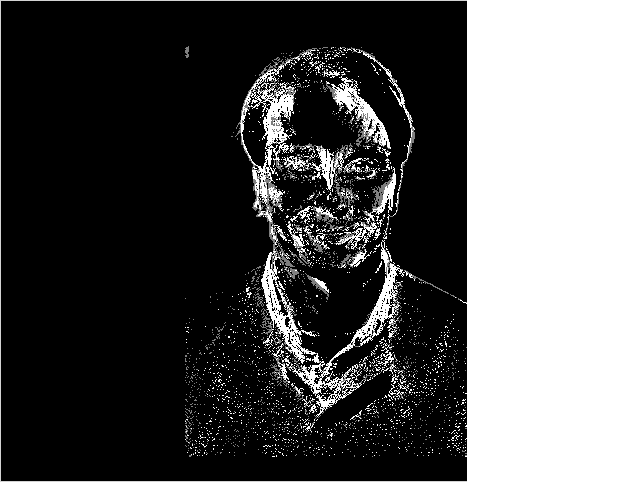
Background subtraction learns the static scene and flags what moves — the first step in surveillance and motion analysis in computer vision. This runs OpenCV’s MOG2 (cv2.createBackgroundSubtractorMOG2) on your live webcam, client-side. Press Run, allow the camera, then move.
Example code (Python / OpenCV)
"""
Live background subtraction

Background subtraction learns the static scene and flags what moves — the first step in surveillance and motion analysis in computer vision. This runs OpenCV’s MOG2 (cv2.createBackgroundSubtractorMOG2) on your live webcam, client-side. Press Run, allow the camera, then move.
"""

import cv2

# The camera starts automatically on Run — allow access when prompted.
cap = cv2.VideoCapture(0)
sub = cv2.createBackgroundSubtractorMOG2()

while True:
    ret, frame = cap.read()
    if not ret:
        print("No camera frame — allow camera access when prompted.")
        break

    fg = sub.apply(frame)                 # white = what just moved
    cv2.imshow("camera", frame)
    cv2.imshow("foreground (moving)", fg)

    if cv2.waitKey(1) == 27:  # Esc / Stop
        break